How to Open Visual Studio Code (VSCode) Inside GitHub
# Quick way:
Just press the . key inside your repository of choice
at the end of the post there are some other ways to open github.dev too!
# TL;DR
Every developer at some point has needed to edit a file inside GitHub and encountered this standard GitHub editing screen:
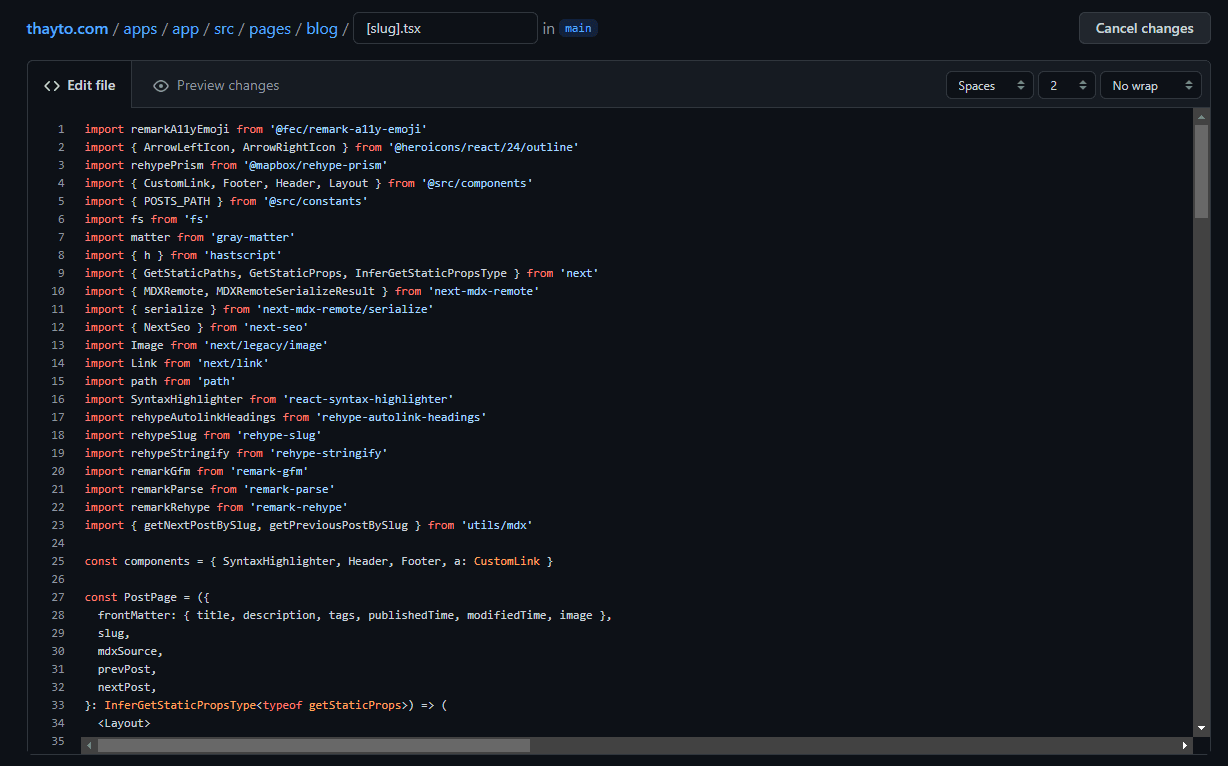
At first it seems like an "OK" screen for making a quick edit, but when we need to search for more things inside the repository, this screen doesn't help us much and that's why I'm going to show you how to open Visual Studio Code (VSCode) directly from GitHub.
It's pretty simple, just press the . (period) key on your keyboard and voila, it will magically open a VSCode directly in your browser and inside your repository with almost all the features that VSCode has.

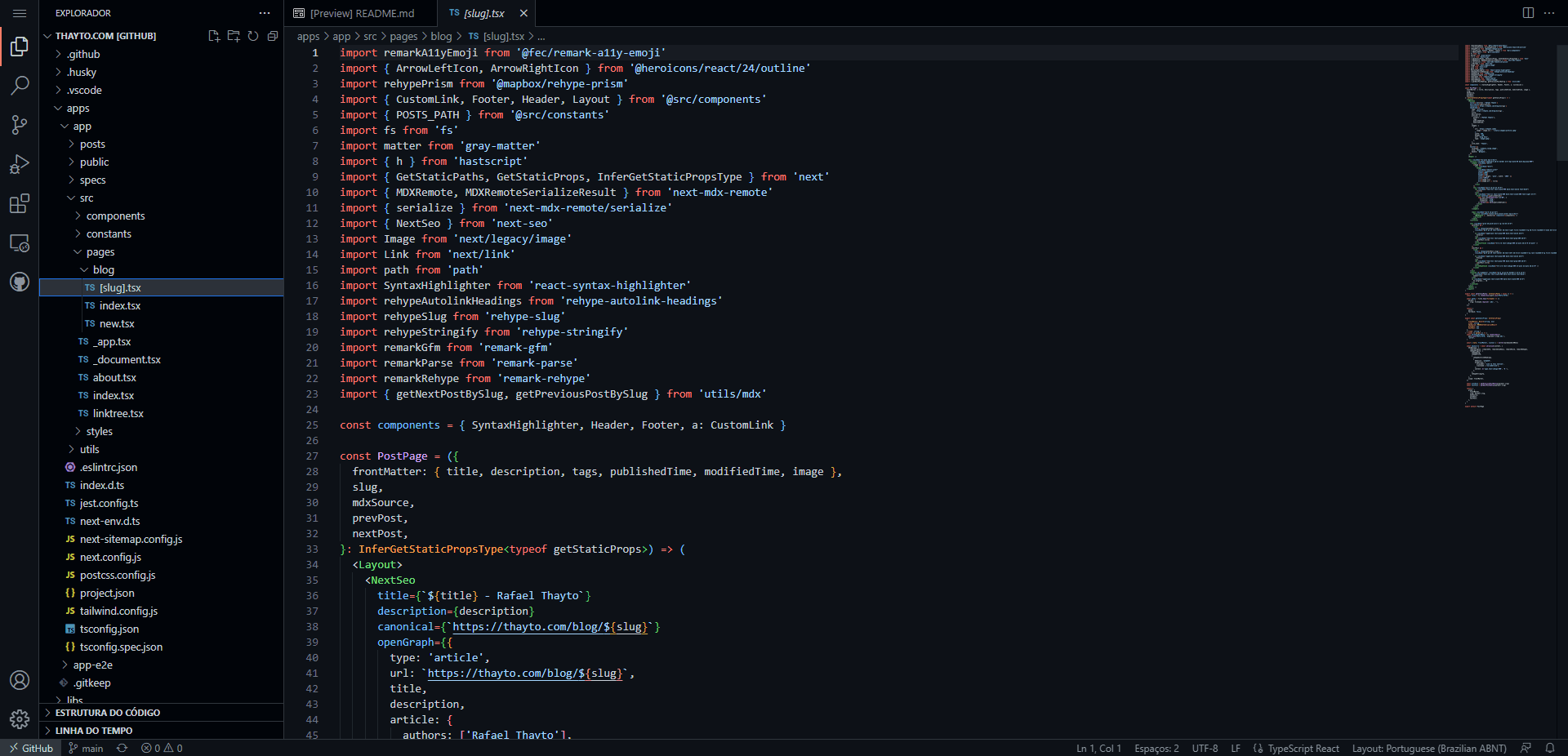
Now you can do as many searches as you want, work on as many files as necessary, and you'll also be able to make commits, install extensions, change the theme, among many other features.
# Other Ways to Open VSCode Directly from GitHub
Other ways to open any GitHub repo in github.dev (GitHub's VSCode) are:
- Changing the URL from
github.comtogithub.dev - Pressing the
.key inside any repository - When opening a file inside any repository, select the dropdown menu ▼ and click on open with
github.dev.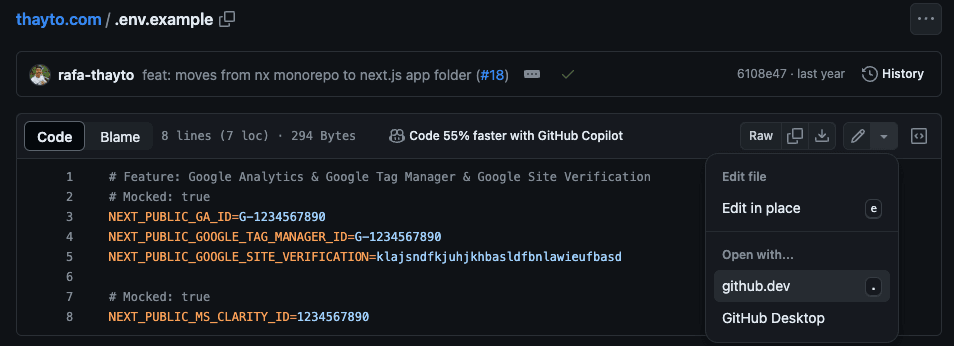
That was today's tip, hope it helped, cheers! 😎